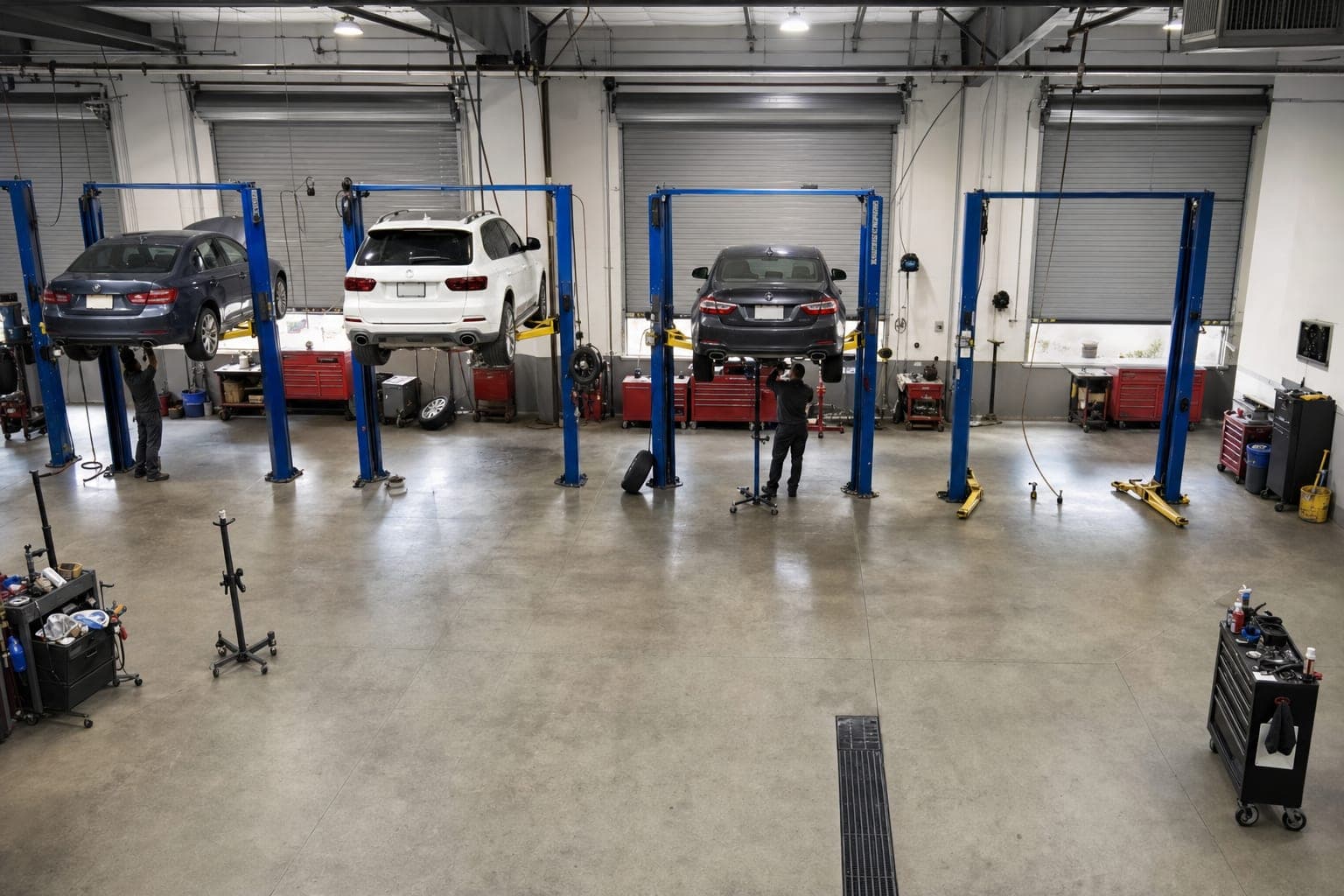
Which bay runs slowest?
Hood-open time per job, per bay, per tech.
Bay 03 has the longest hood-open time per job.
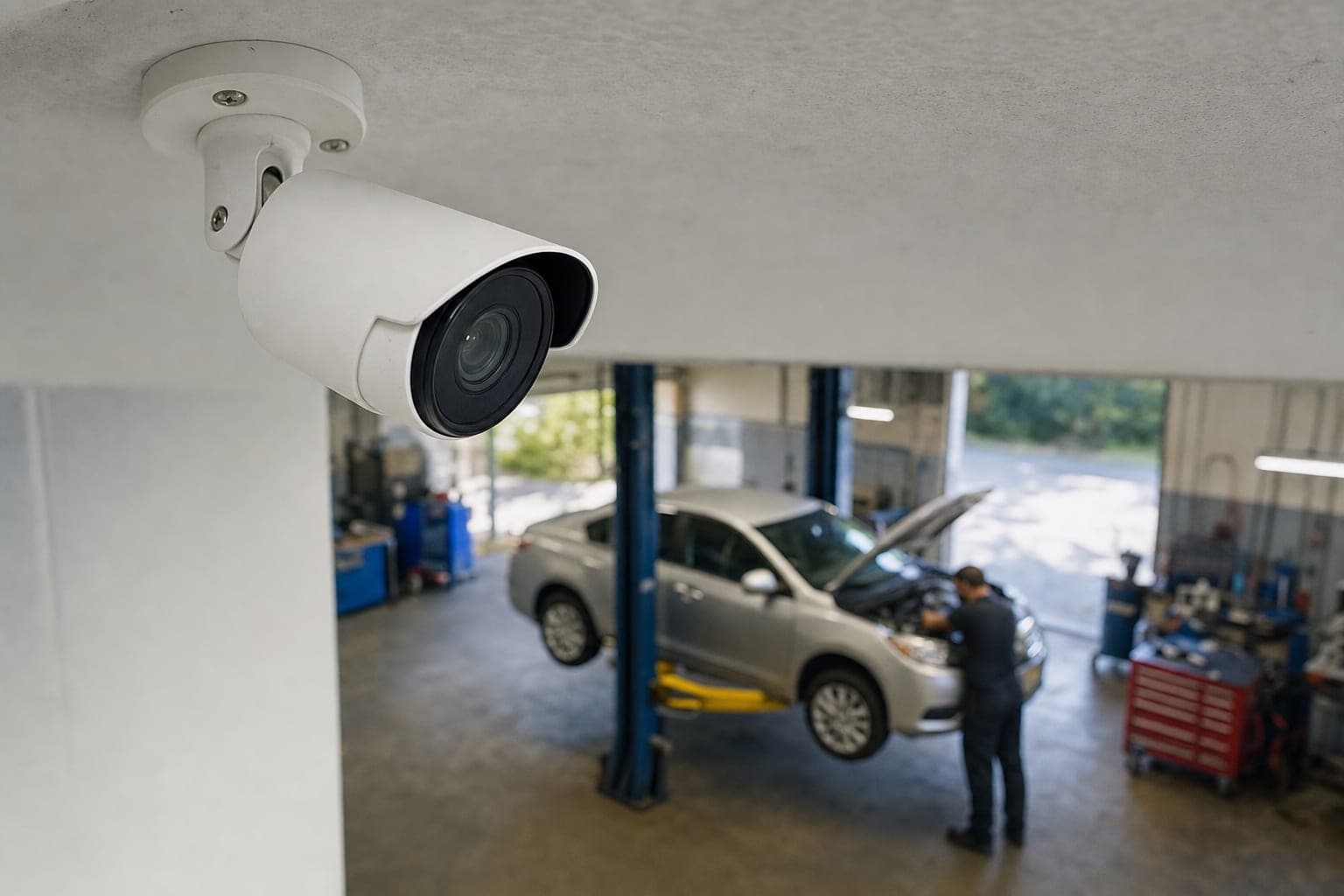
Works with your existing CCTV
Turn your existing CCTV into a clear timeline of arrivals, work, and downtime—so you can see where the time goes.
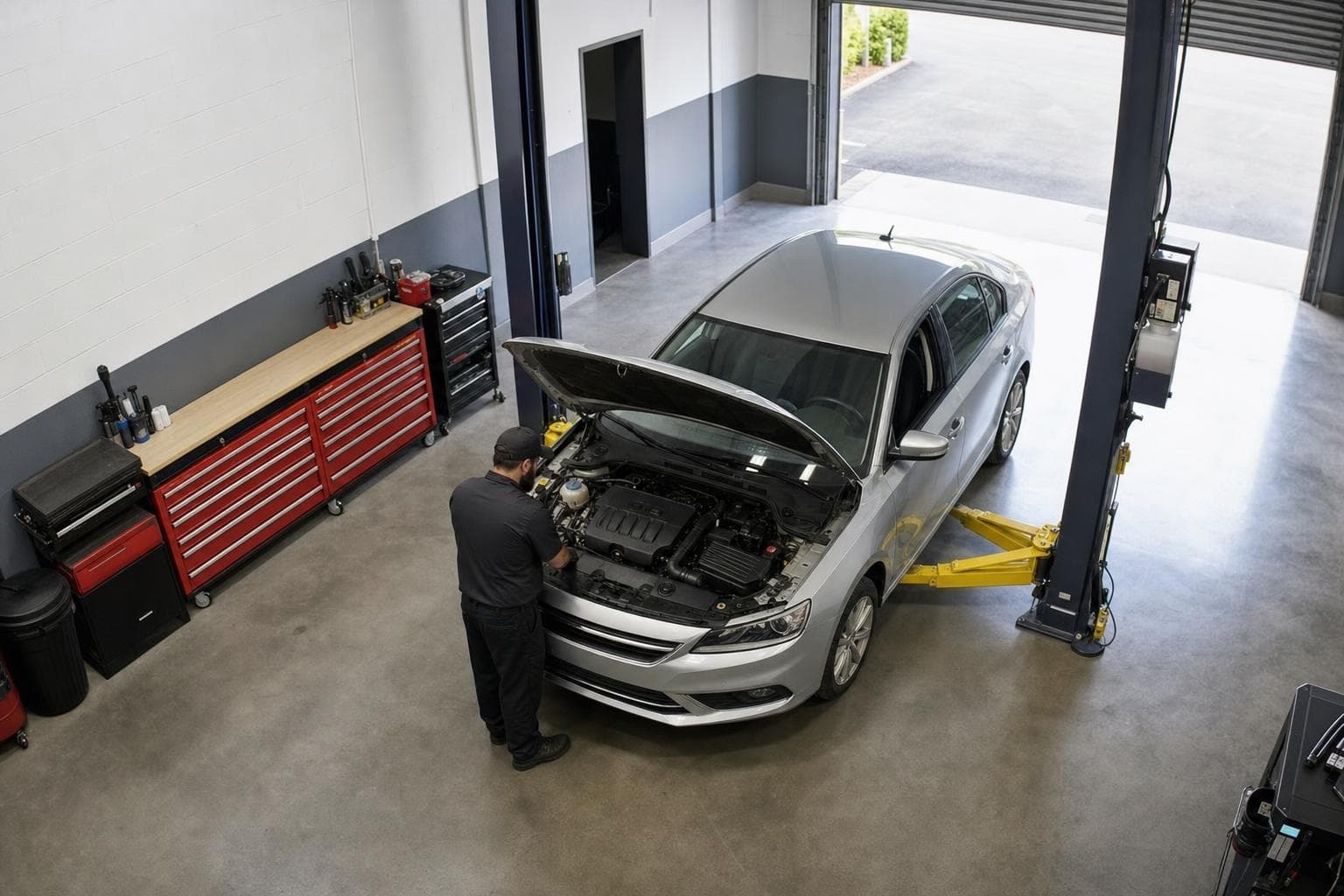
Work detected
Working | Ticket: BXNC597 | RO-2841
11m 14s
The visit record
Seven camera-detected events and your shop ticket, connected in one visit — from the roller door going up to it coming back down, including how long someone was actually in front of the car.
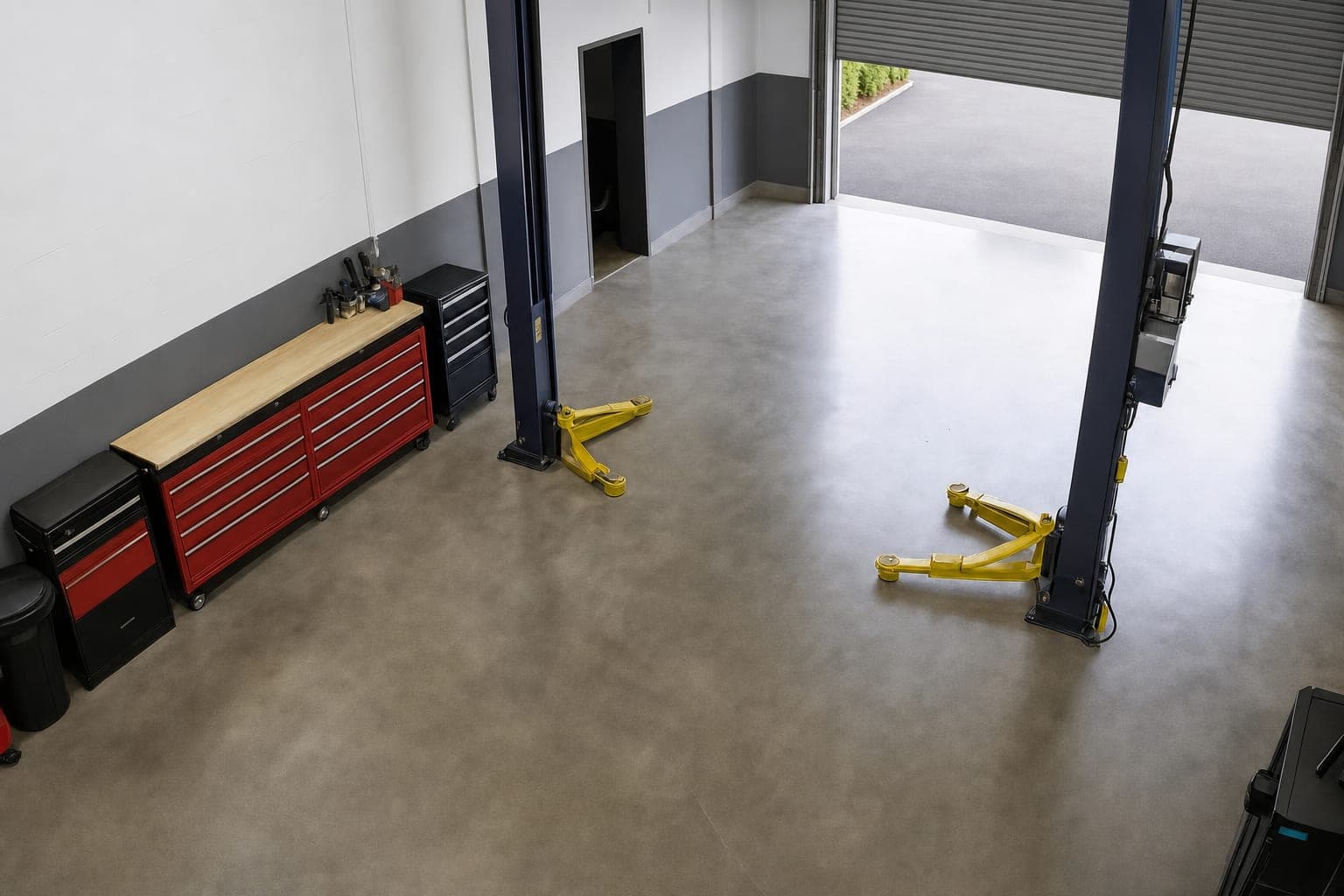 08:56:14
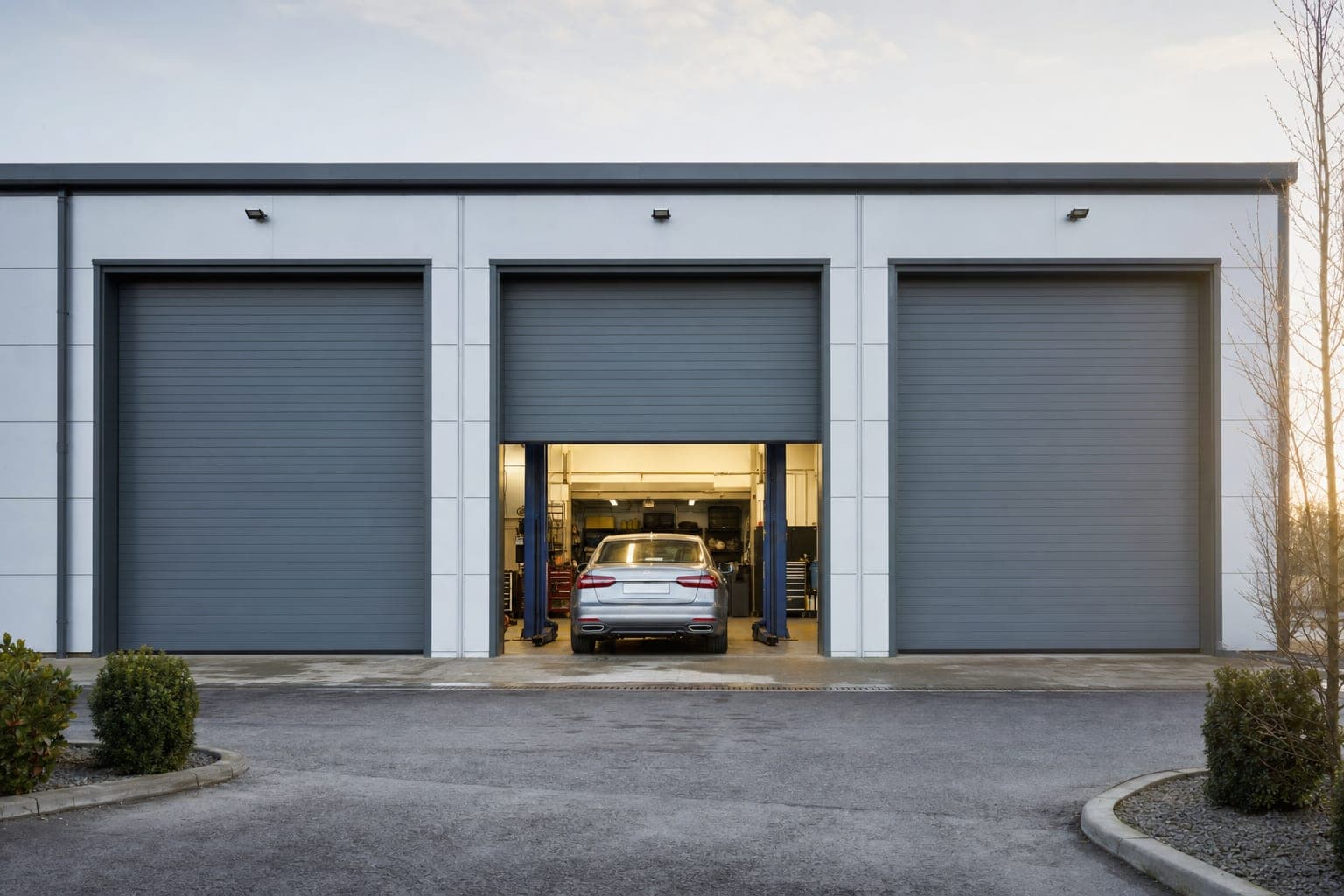
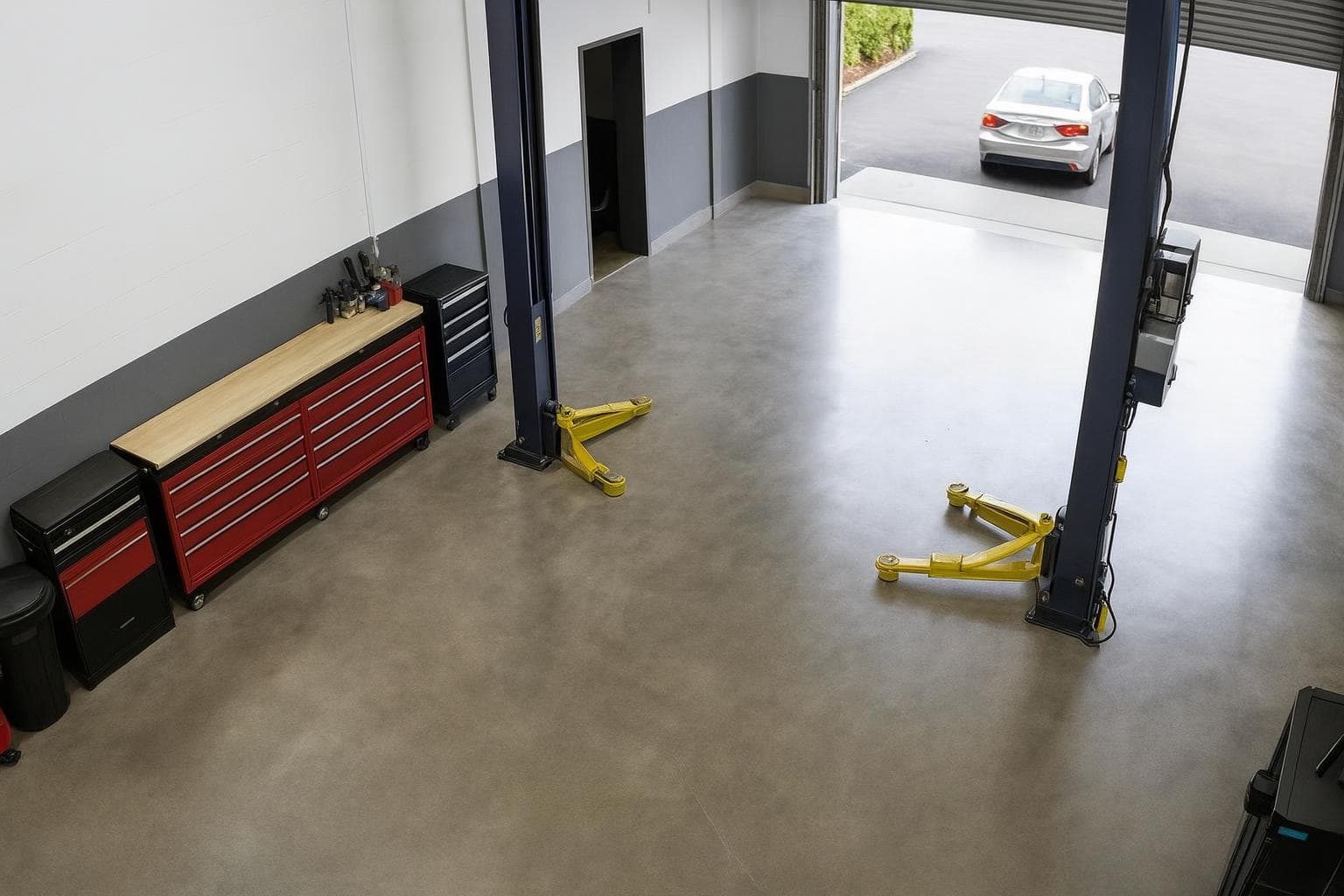
Door open
Roller door lifts off the floor
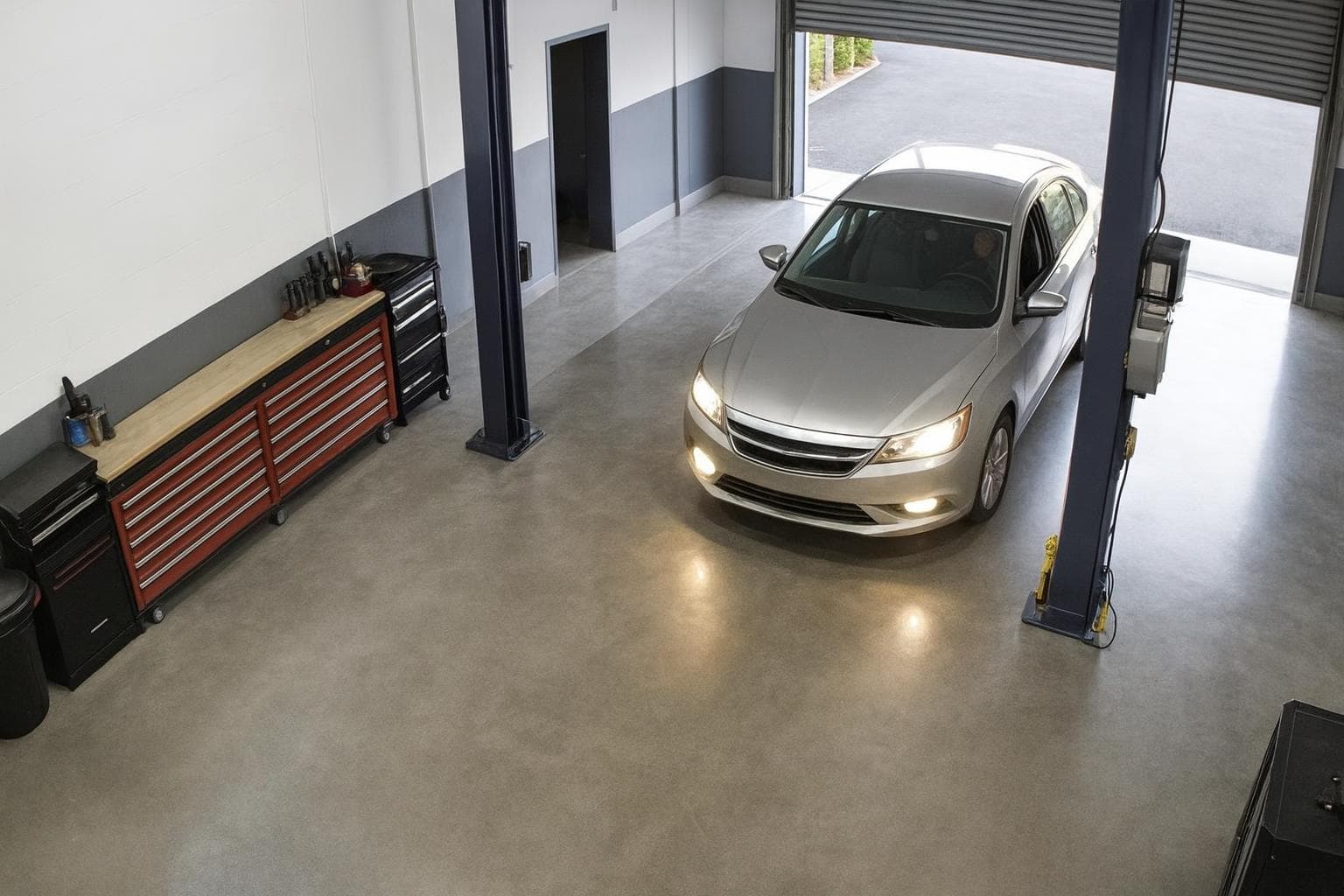 09:04:12
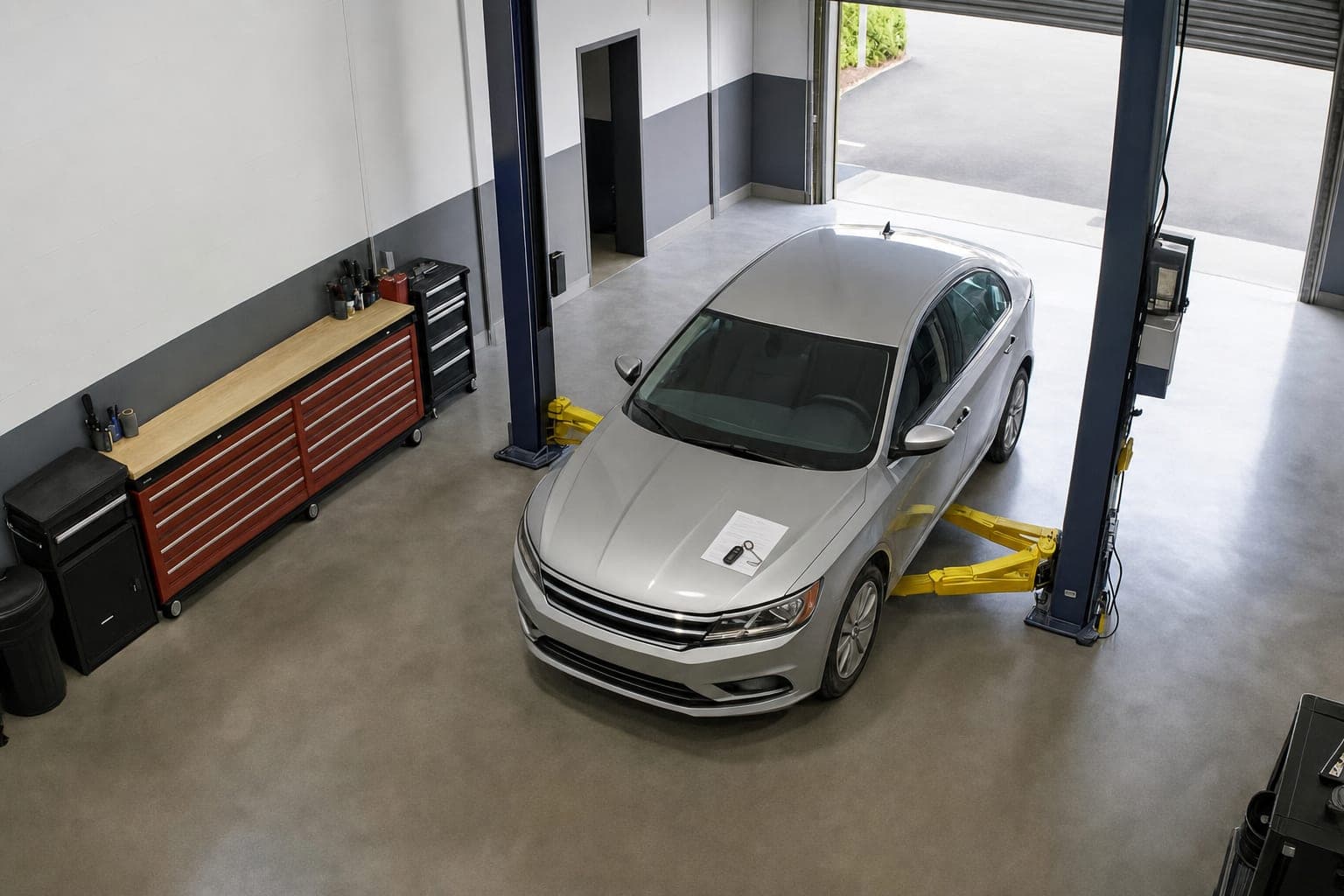
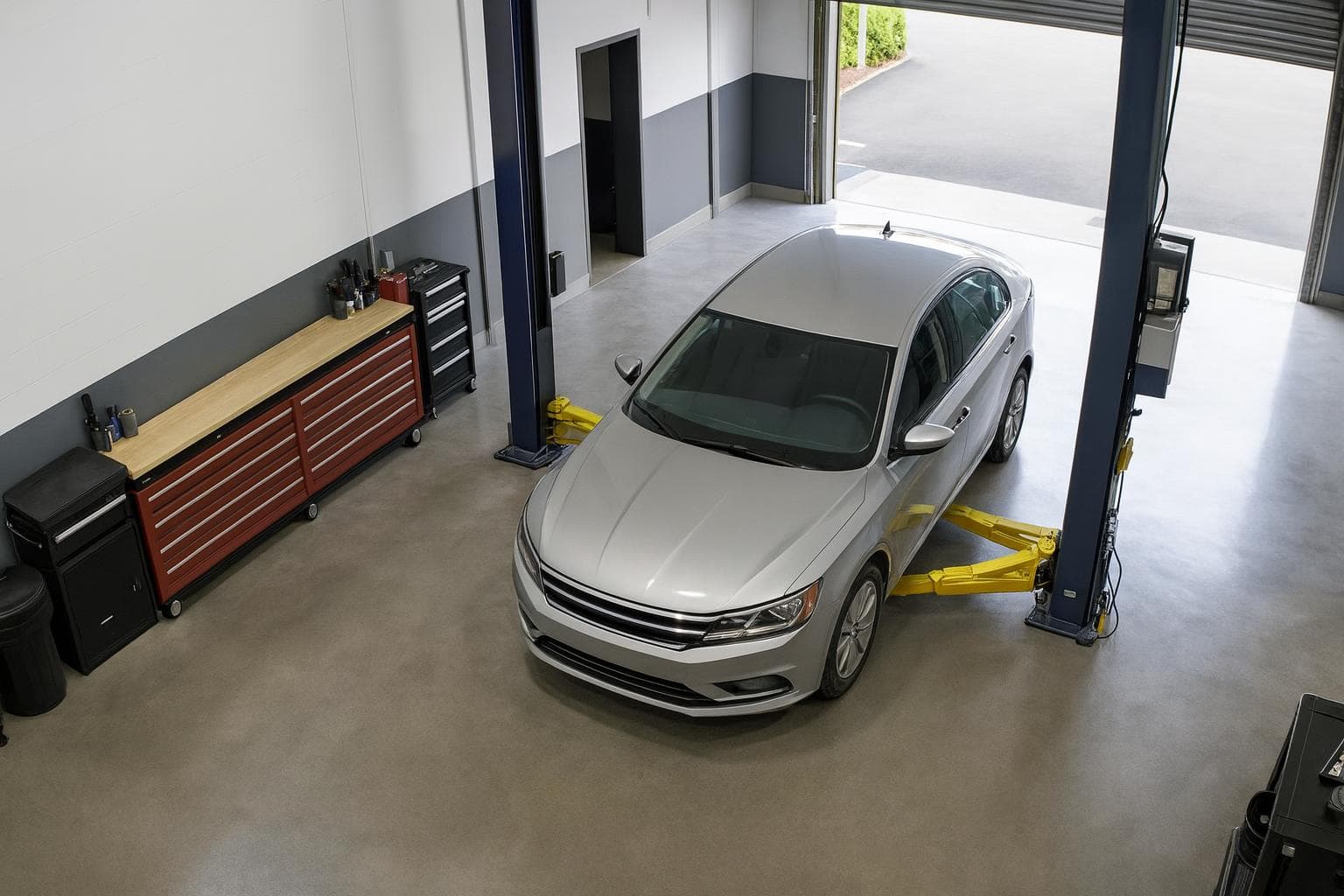
Car in bay
Vehicle crosses the bay threshold
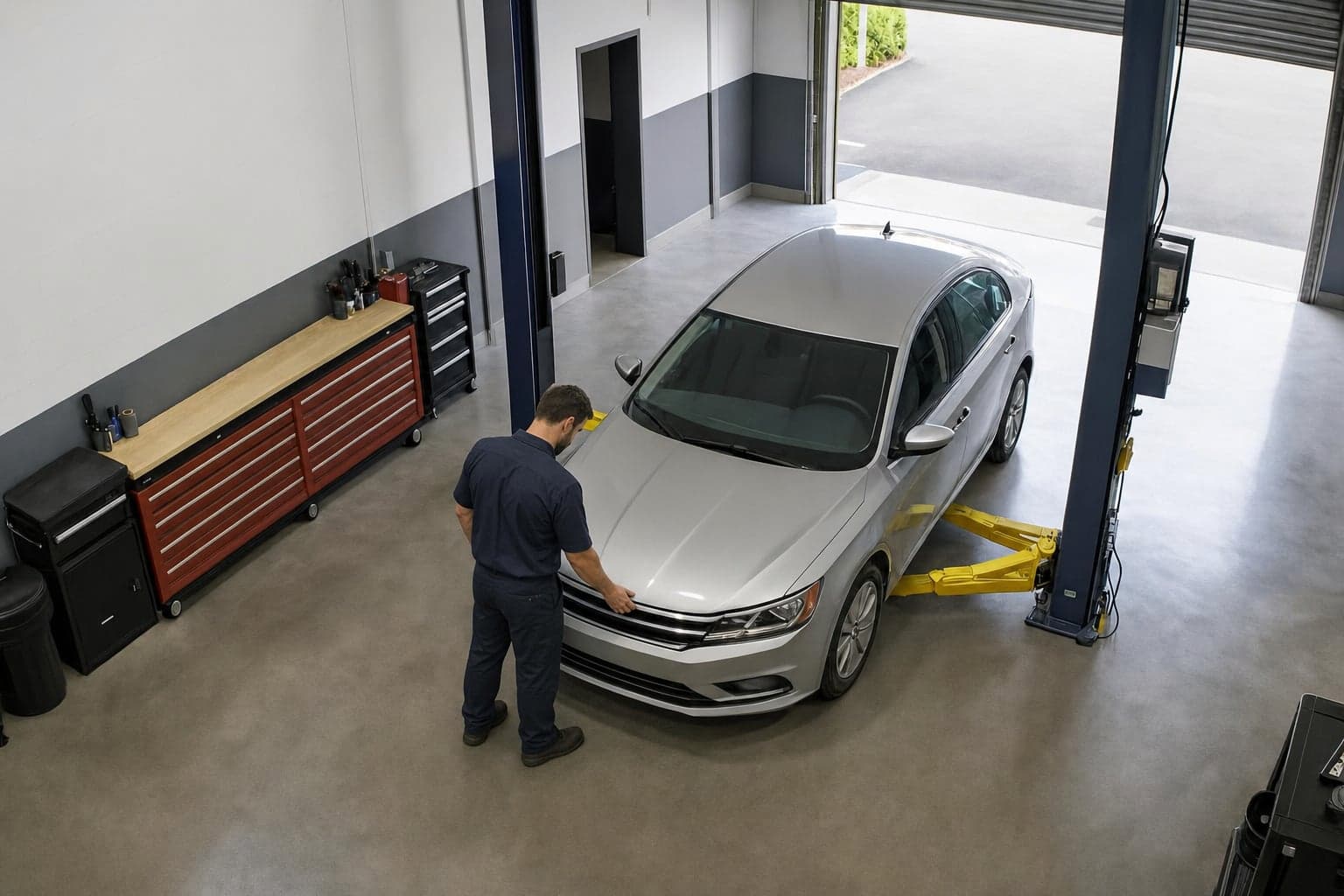 09:08:50
Tech at car
Person steps in front of the car
09:12:02Hood up
Hood breaks the horizontal
 09:23:16
Hood down
Hood returns to closed
Repair order
Repair order closed
Cashed out
Matched from your shop software
 09:34:19
Car out
Vehicle leaves the bay
 17:58:06
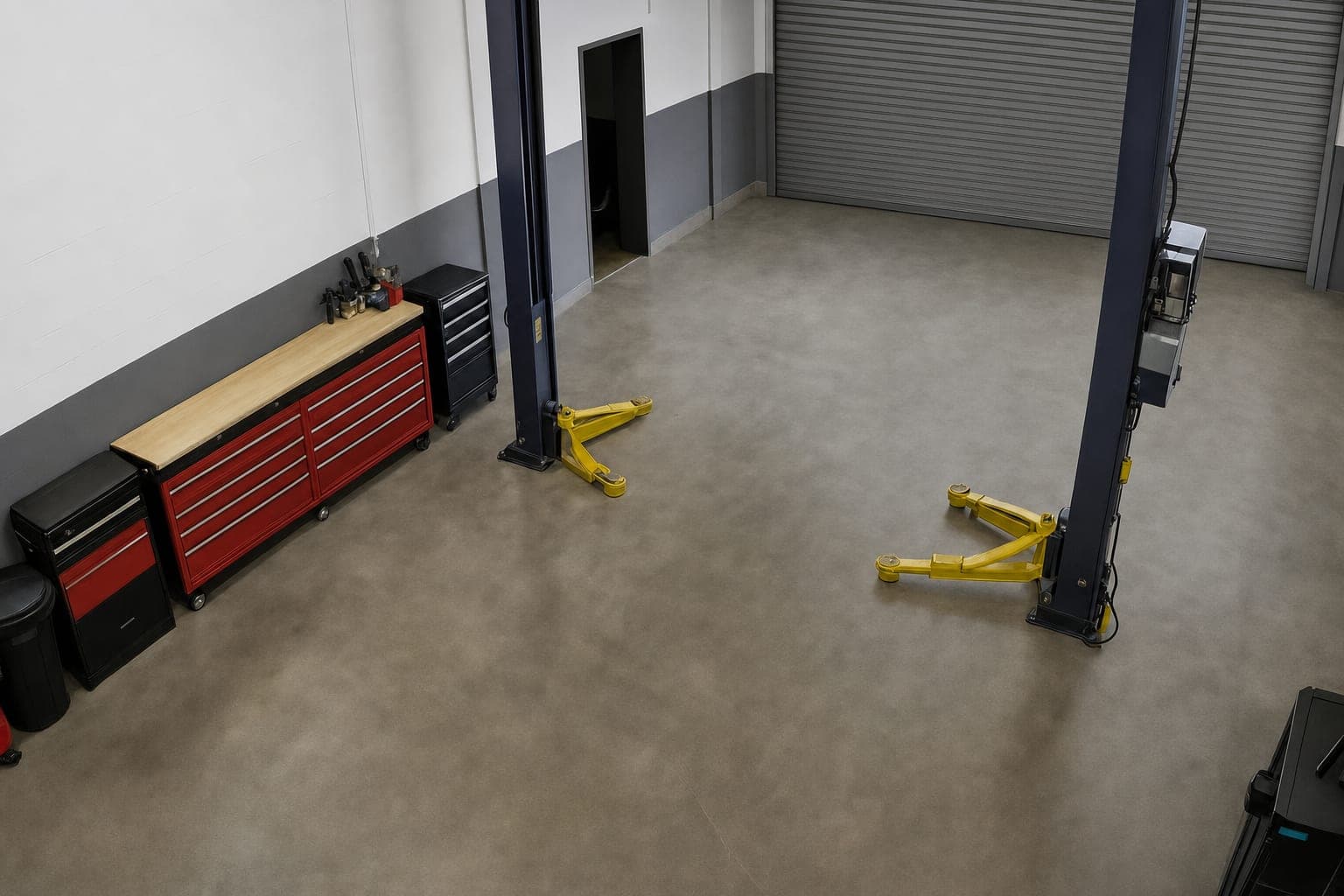
Door closed
Roller door meets the floor
Door closed
How it works
We connect to the NVR you already run. No new cameras in most shops, no box on the wall, nothing wired into your equipment.
Connected from your recorder
Connected from your recorder
Connected from your recorder
We mark where the bay starts and where the lift sits. That is the whole setup — the events come from the geometry.
BAY 0209:12:02The second a car rolls in, it shows up on your dashboard. Every stamp, gap and ticket lands there as it happens, and all of it stays in one place.
4 gaps · 24m idle
What you can finally answer
See which bays run slow, which jobs overrun, and what every occupied hour earns.
Hood-open time per job, per bay, per tech.
Bay 03 has the longest hood-open time per job.
Every job carries its own hood-open duration against the time you quoted.
30 minover quote
50 minactual
This job took 30 minutes longer than quoted.
Hood-down to cashed-out gap, ranked worst first.
Longest wait: 1h 12m
| Ticket | Bay | Wait |
|---|---|---|
| RO-2902 | Bay 03 | 1h 12m |
| RO-2877 | Bay 01 | 38m |
| RO-2841 | Bay 02 | 7m 51s |
Some finished cars sit over an hour before close-out.
Ticket total against the full occupied time, not just the time somebody was working.
This bay earns $89 for every hour it is occupied.
Overstay calculator
A finished car only costs you when it keeps another customer from being served. Count it from the bay time it holds, or from the cars that drive off, and see what it was worth.
Only overstay while cars are waiting counts, at your fill rate, turned into jobs at your job time. Over 26 working days a month.
Good to know
A few things you might want to know before getting started.
Tekmetric, ISI Local, ISI Express, DropTop, and a couple of others. Each visit is matched to its repair order in your shop software, so the timeline arrives with the RO number and ticket total attached rather than sitting in a separate report. Using something else? Tell us which system and we will tell you plainly whether we can connect it.
We run our own proprietary AI model on your camera feed, and it detects the hood from the geometric shape of the car. When that shape changes as the hood opens, it stamps hood-up, and when it returns to closed, it stamps hood-down. No sensor on the car, no tag on the lift, nothing for a tech to remember to press.
Yes. Quick lube bays are timed the same way, from hood up to hood down. Tires, brakes, and alignment never open the hood, so they are timed on the lift instead — bay occupied, lift raised, lift lowered. You tell us which bays do which kind of work and we time each one the way that matches.
Yes. Every bay you connect lands on the same dashboard as it happens, with its stamps, gaps, and tickets, so you can compare bays side by side and see which one runs slowest. If you run more than one location, each site is added to it as it goes live.
BayCam runs on the CCTV you already have. Those cameras were put up for evidence, not recognition, so some may just need re-aiming — we look at your feeds first and tell you plainly which ones. Once they are pointed right, you are good to go.
About a week per site. Once we have access to your feeds and your POS, we collect footage from your bays, train our AI model on your layout, run it on your cameras, and test the results against what actually happened before you rely on a single number. Multi-site rollouts go a site at a time, so each one is trained and tested on its own rather than copied.
Still have a question?hello@baycam.ai
Book a demo
Send us a day of footage from one bay. We will send back the timeline — every stamp, every gap, and what the idle time was worth — before you decide anything.