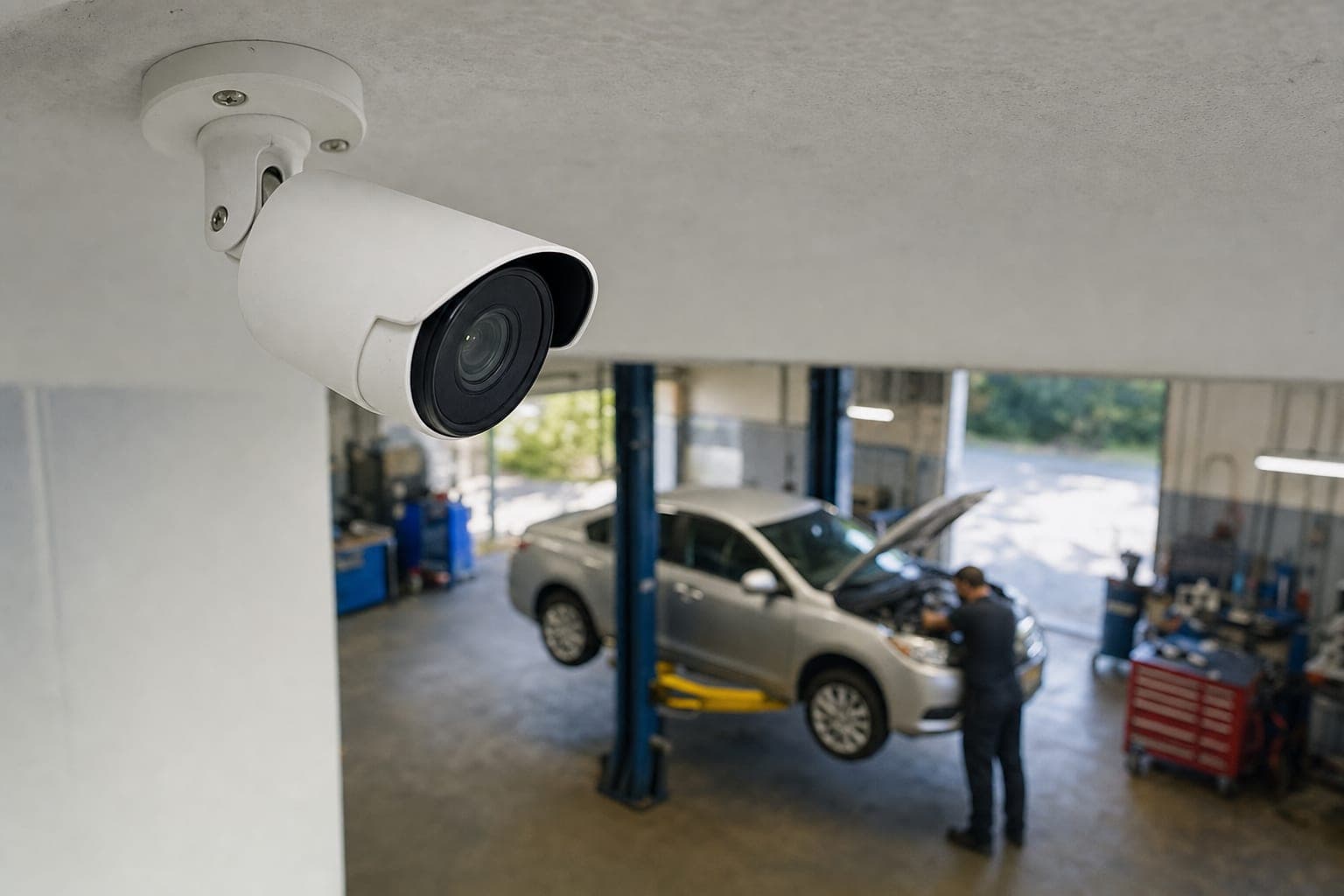
Most shops put cameras up for one reason: to have footage if something goes wrong. A damage claim, a break-in, a dispute over what was done to a car. The footage gets recorded, kept for a few weeks, and almost never watched.
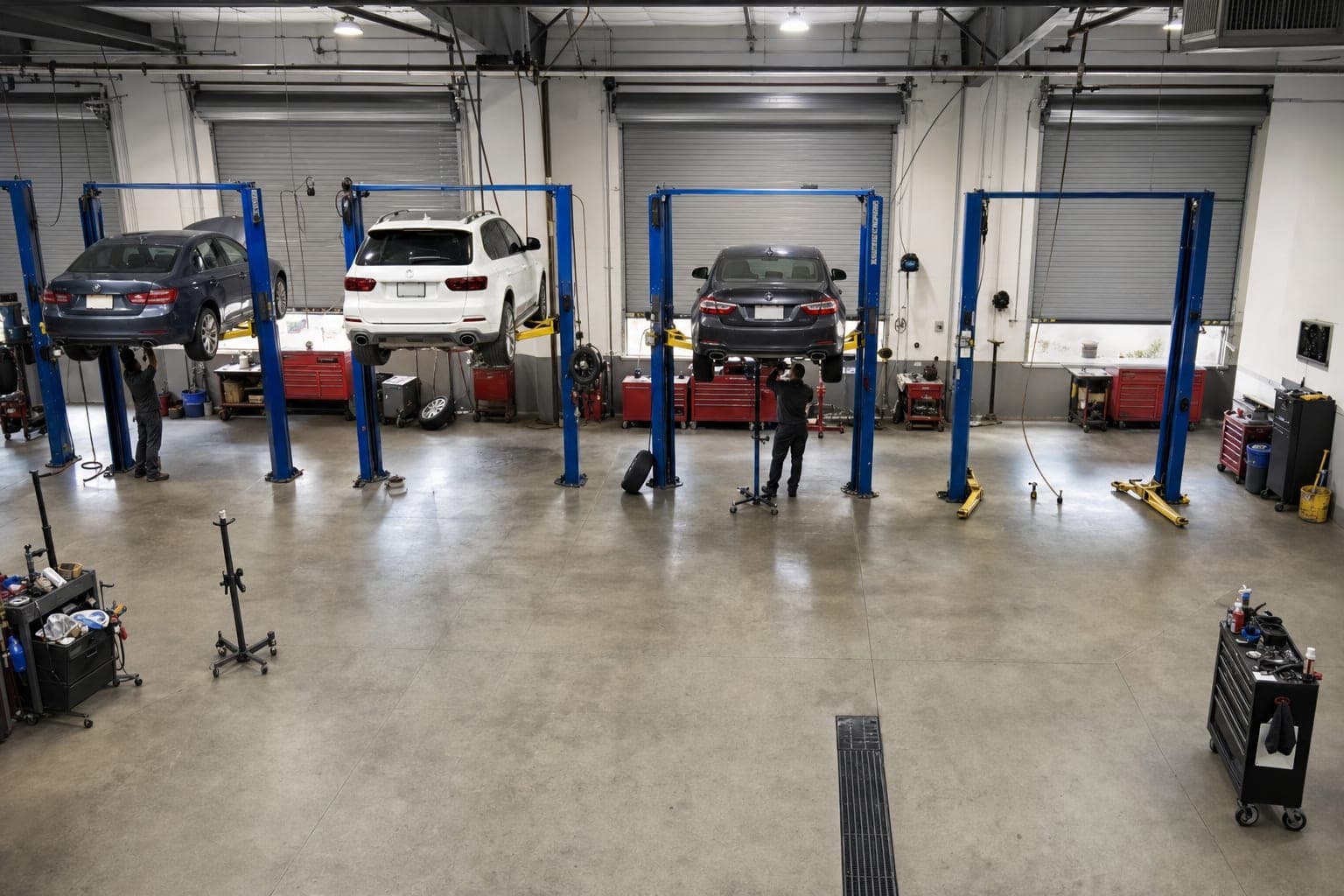
Those same cameras see every car arrive, every tech walk up to it, every hood go up and come down. They already hold a complete record of how every bay spent its day — it just is not written down anywhere.
From footage to a timeline
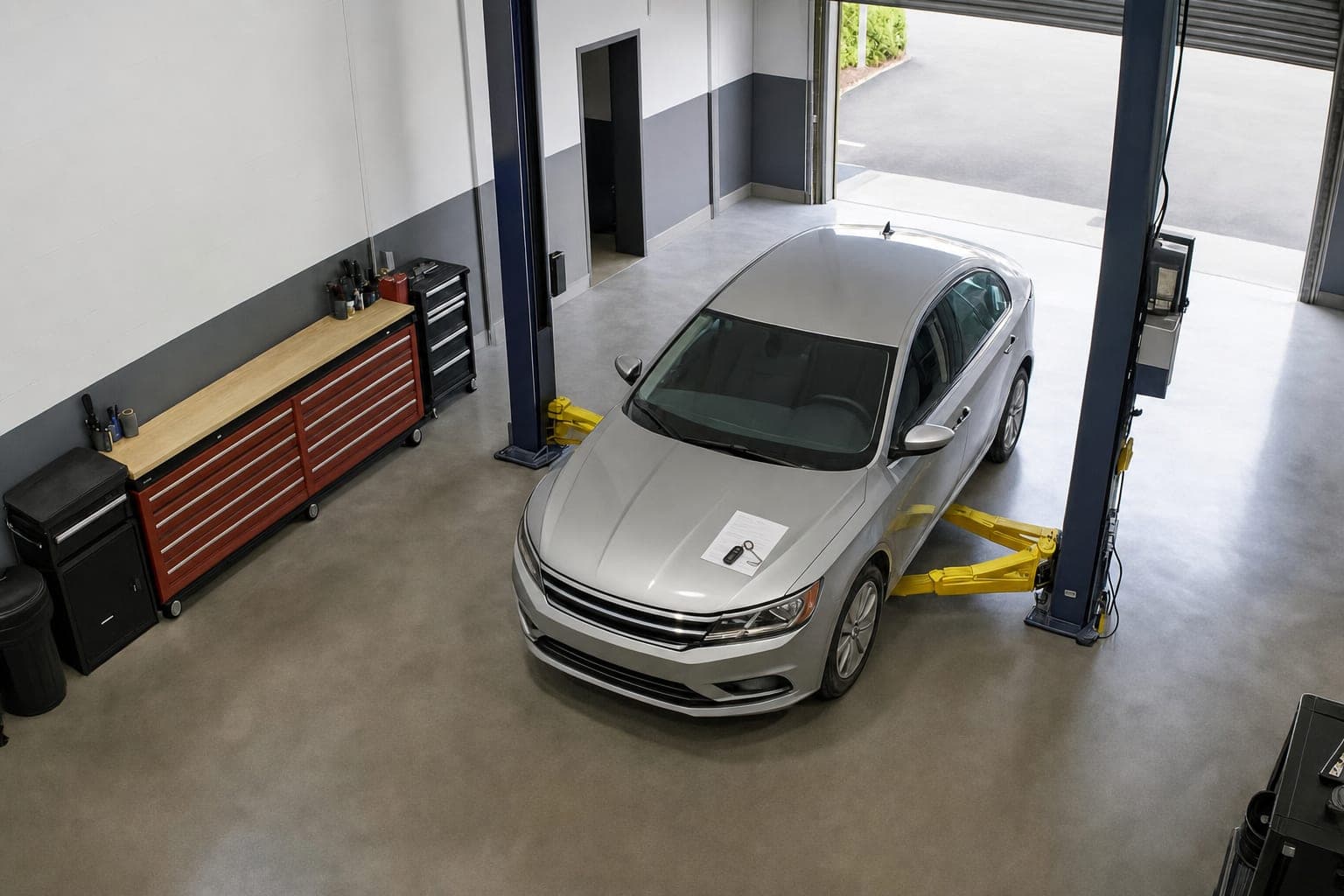
Turning footage into a timeline means detecting a small set of moments and stamping the time each one happened: the door opening, the car entering, a person at the car, the hood up and down, the car leaving. Once those stamps exist, the stretches between them can be measured, added up and compared.
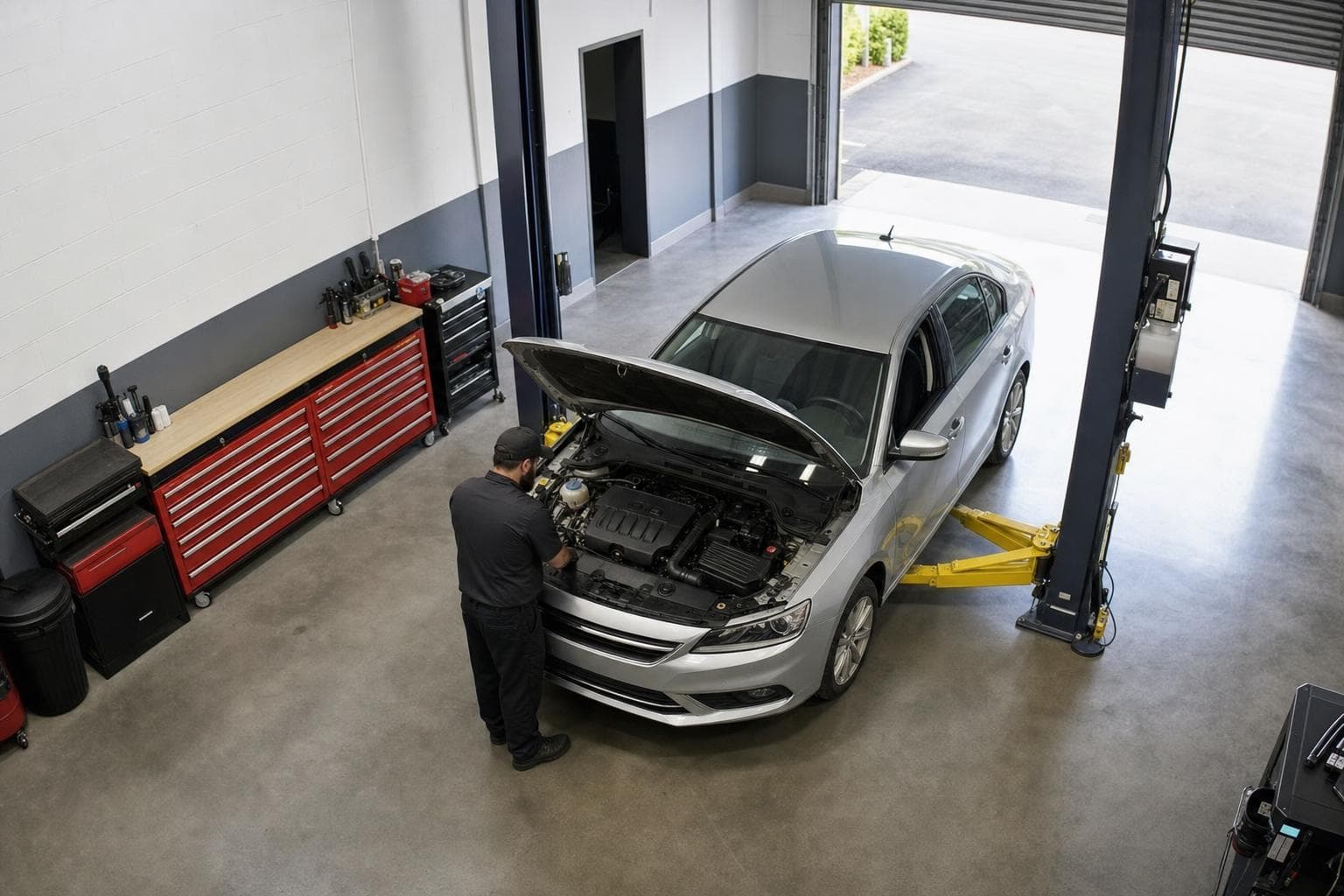
What to check before you start
- Angle: the camera should see the whole bay — the door, the lift and the front of the car. A view of the floor only, or one cut off by a post, may need re-aiming.
- Recorder access: the timeline is built from the recorder you already run, so someone needs to be able to share access to it.
- Shop software: matching each visit to its repair order is what turns minutes into money. Check which system you use and whether it can connect.
- Lighting: most shop lighting is fine. Very dark bays or strong glare from an open door at certain times of day are worth mentioning up front.
What it does not need
No sensors on the car, no tags on the lift, no buttons for techs to press. Nothing is wired into your equipment. That matters, because any system that depends on people remembering to log things will drift within weeks.
How BayCam does it
BayCam runs its own AI model on your existing feeds, trained on your bays and tested against what actually happened before you rely on a single number. Setup is about a week per site. If a camera needs re-aiming, we will tell you plainly which one.